02 · Stock
Key inventory.
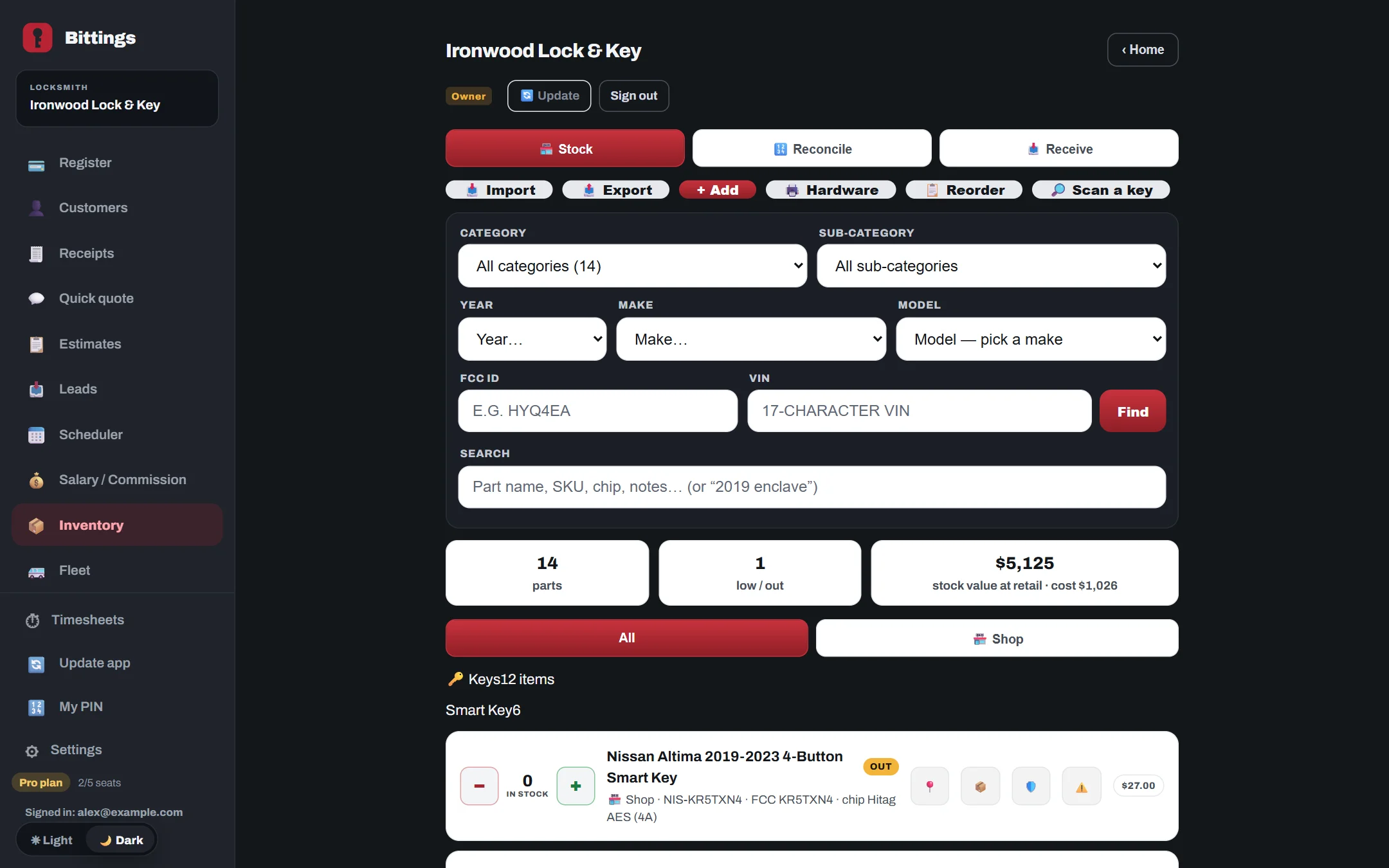
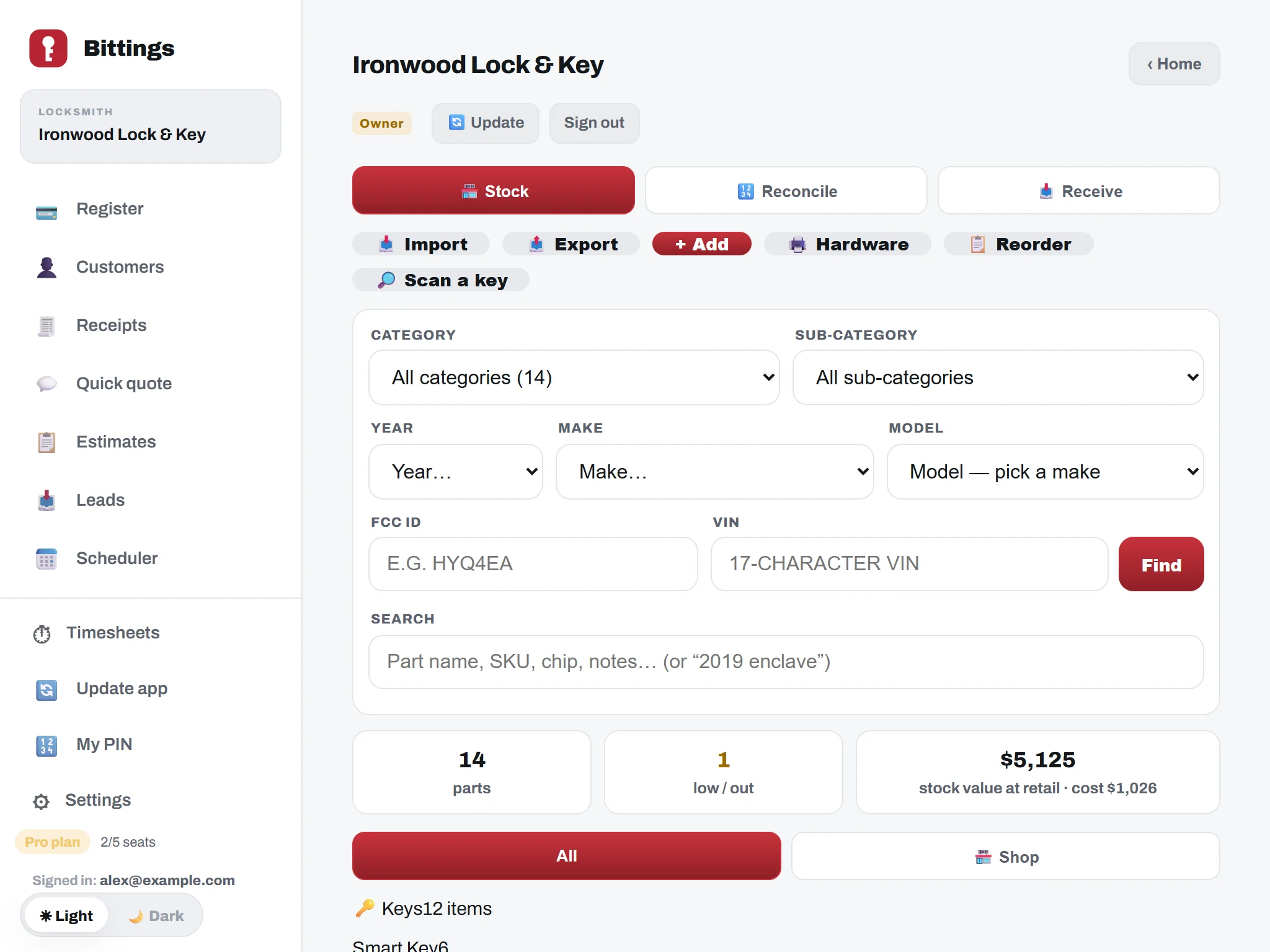
Know what is on the shelf and what is in each van. Book in deliveries, count stock and see what to reorder.
What you can do.
- Counts for the shop and each van.See what you have and where it is.
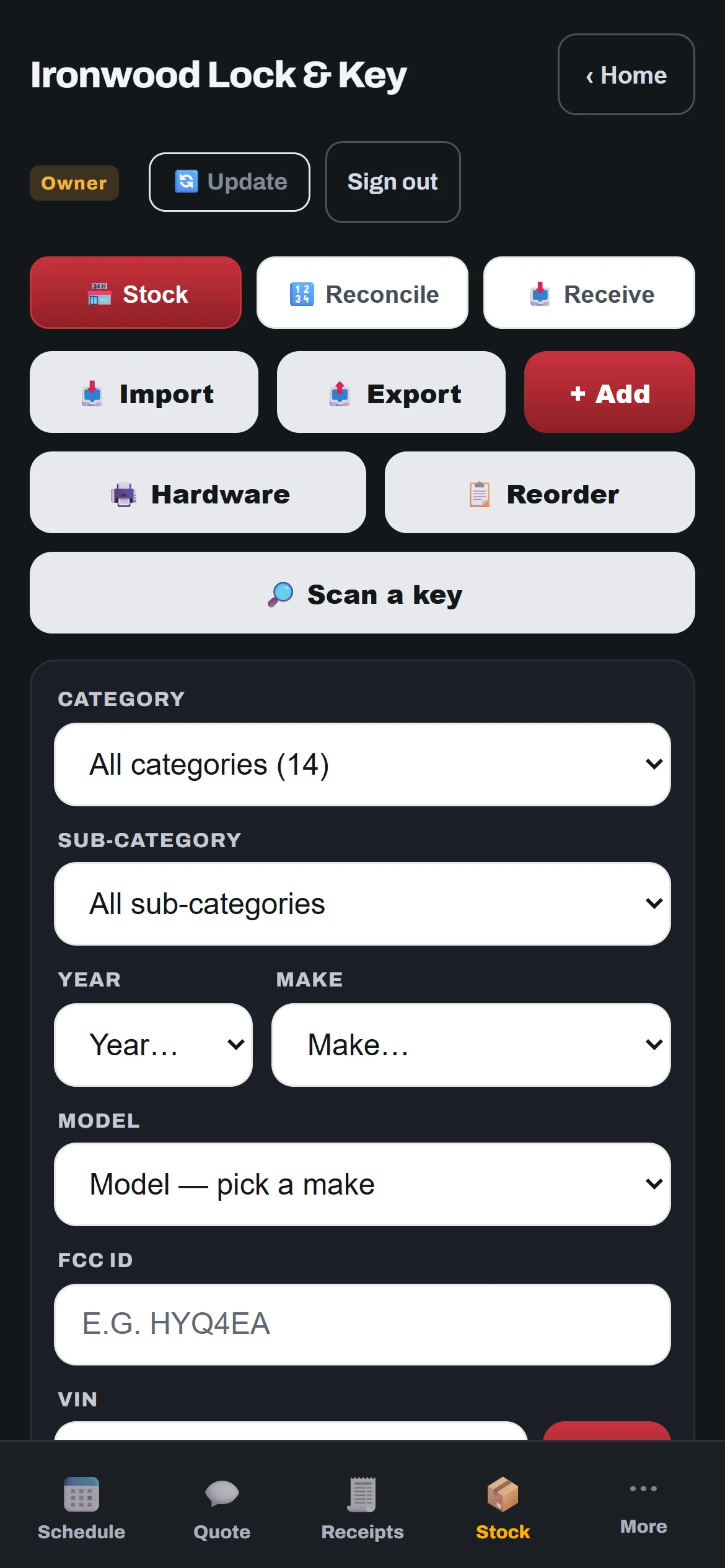
- Categories.Keys (Smart Key, Flip, Transponder and more) and Accessories, each in its own place.
- Low-stock and out-of-stock flags.The things you are running short on stand out.
- Stock value.See the value of your stock at retail and at cost.
- Receive and count.Receive deliveries and count stock to reconcile. A technician can be given a "receive" task to add new keys with price, cost and supplier link.
- Automatic prices.Sale prices come from cost, with separate markups for smart keys and other keys. One tap reprices everything, and you can undo it.
- Import and reorder.Import from a spreadsheet. The reorder list is grouped by supplier.
- Scan a barcode.Scan a key’s barcode to find it.
Always getting better.
Bittings is built and used every day in a working key shop. Updates arrive on their own, with nothing to install. Every plan gets new features as they are released.