01 · Lookup
Key lookup.
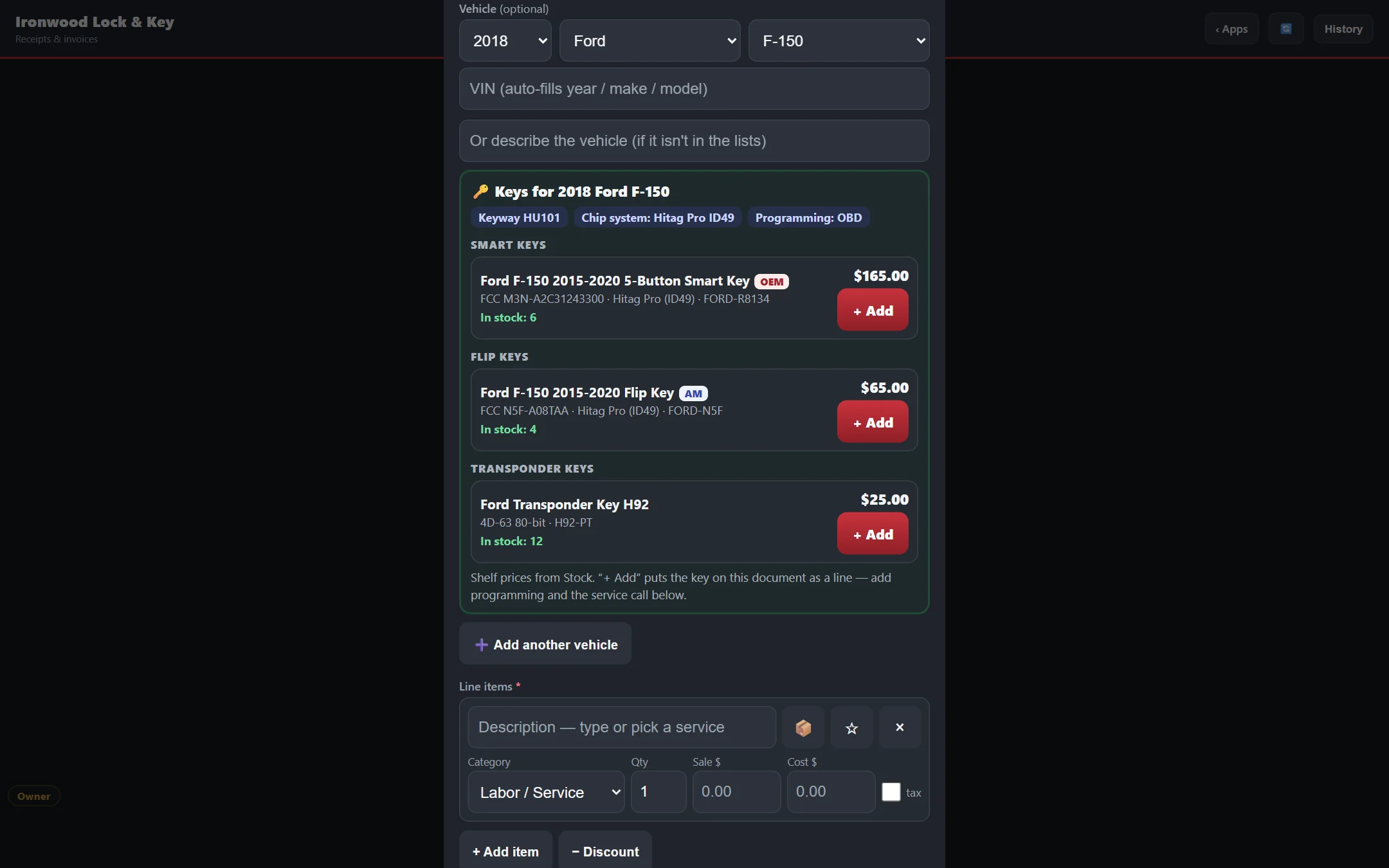
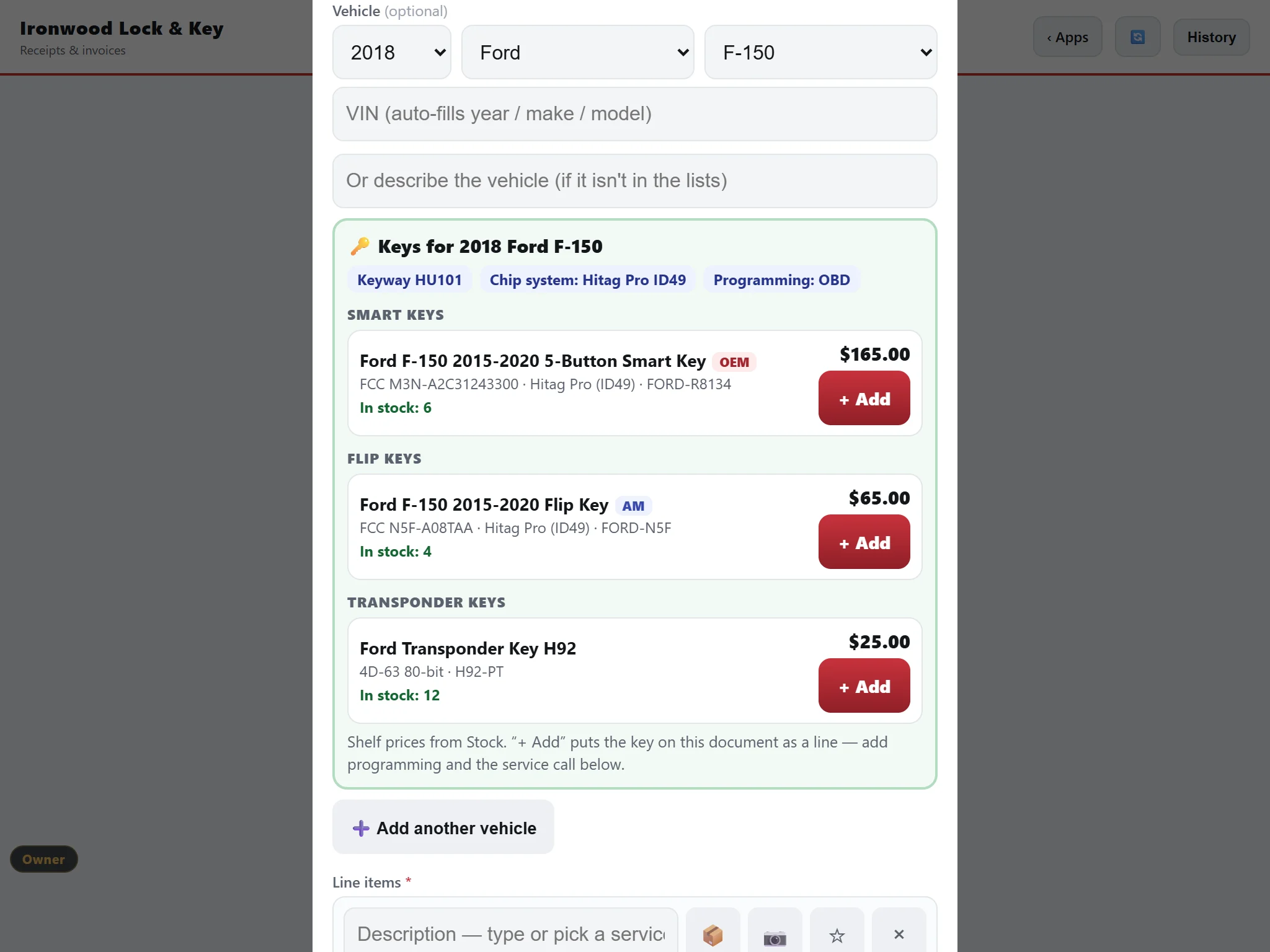
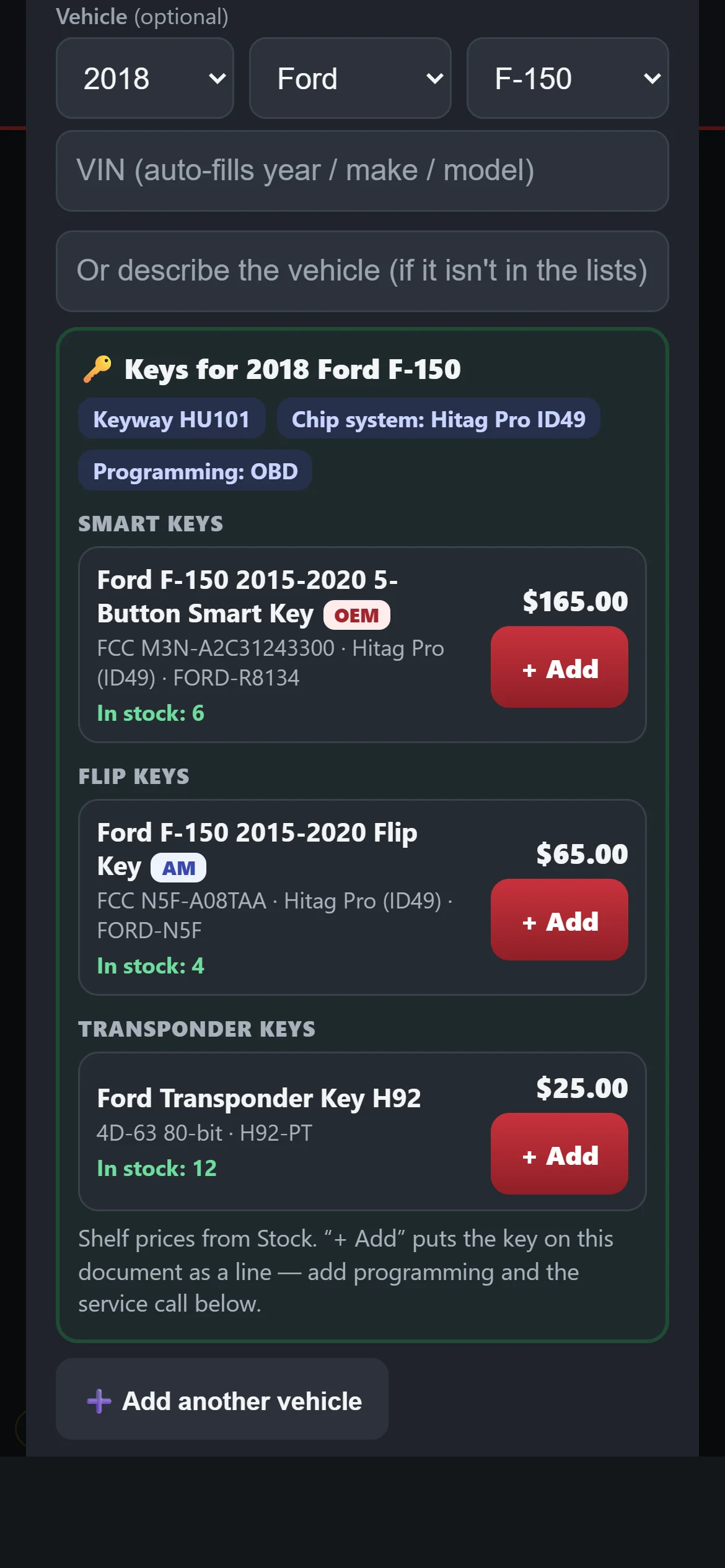
Type a VIN or pick the year, make and model. You see what the key is and which ones on your shelf will do the job.
What you can do.
- Type a VIN.It is decoded to the year, make and model for you. Or pick year, make and model yourself.
- See the key details.Keyway, chip or transponder system, and how it programs, for example by OBD.
- Know if it is OEM-only.The result says whether the key is OEM-only or needs NASTF.
- Keys from your own shelf.It lists the keys you have that fit, with your price and how many are in stock.
- Lishi and keyway reference.Look up the pick and the keyway without leaving the screen.
- Programmer and key-code links.Jump to programmers and key-code tools. It works the same on your phone in the field.
Always getting better.
Bittings is built and used every day in a working key shop. Updates arrive on their own, with nothing to install. Every plan gets new features as they are released.